Check operating status
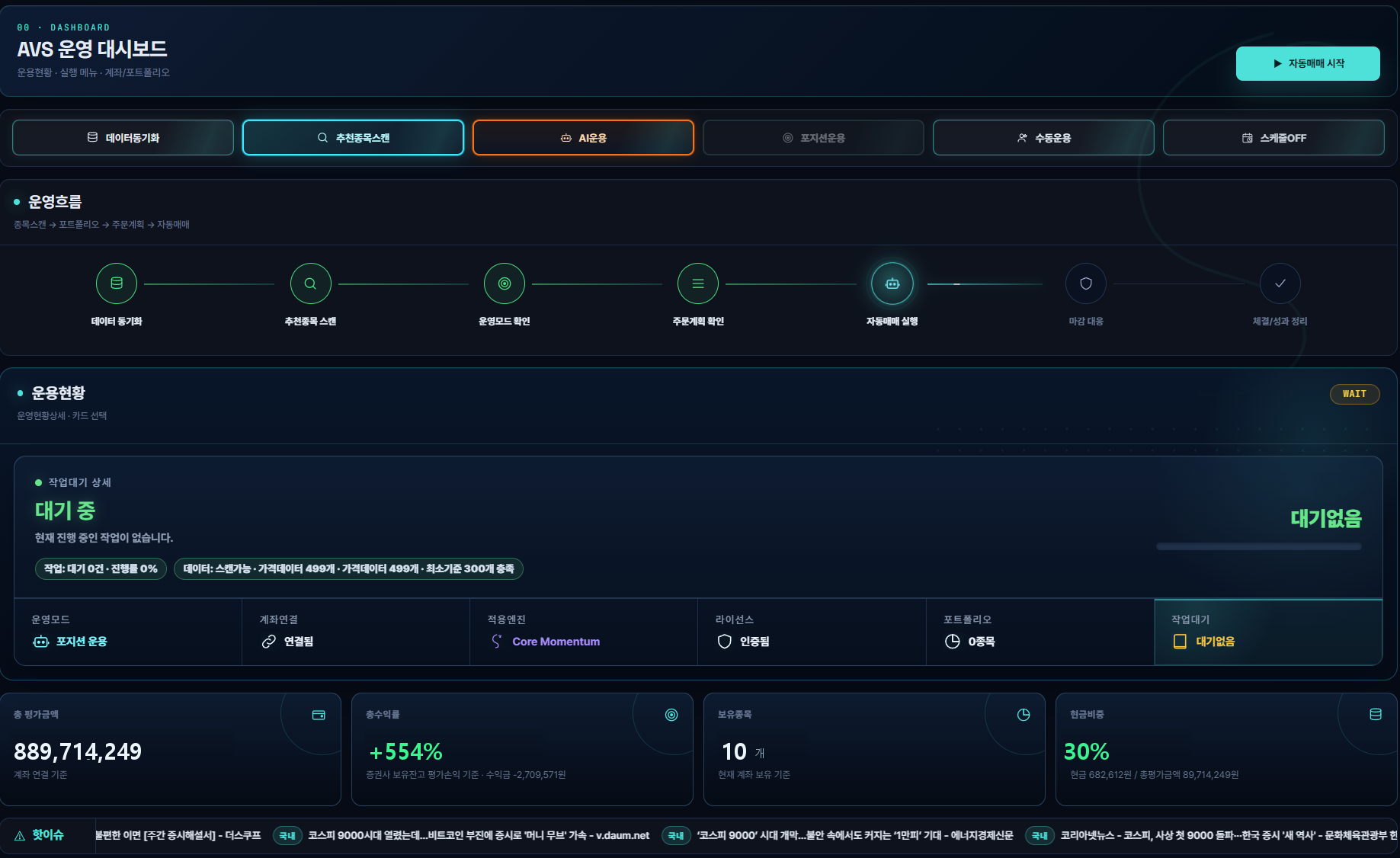
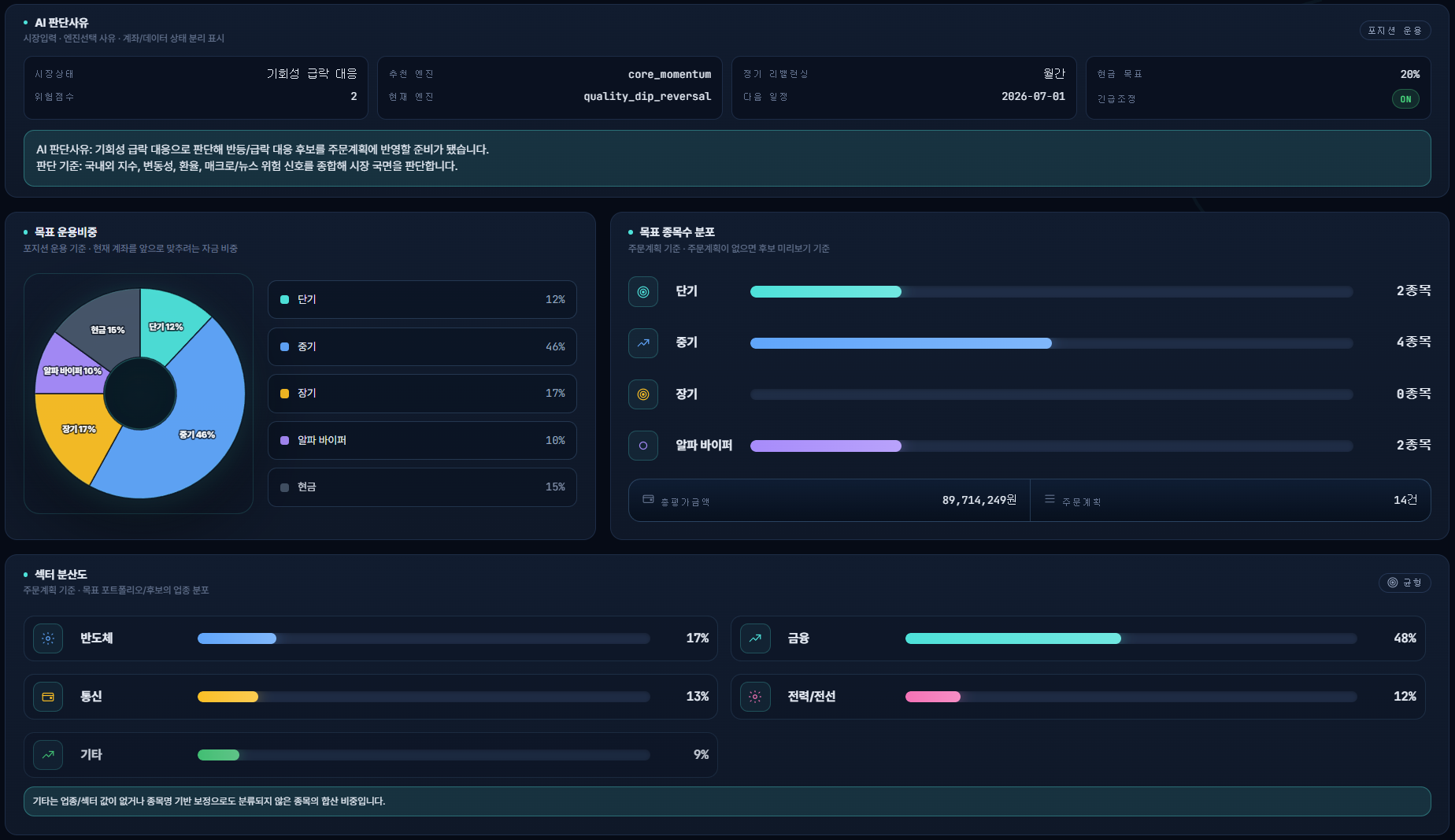
Review account and portfolio status together on the dashboard Use Engine Management to see which engine is active
 DK BLOSSOMDK BLOSSOM
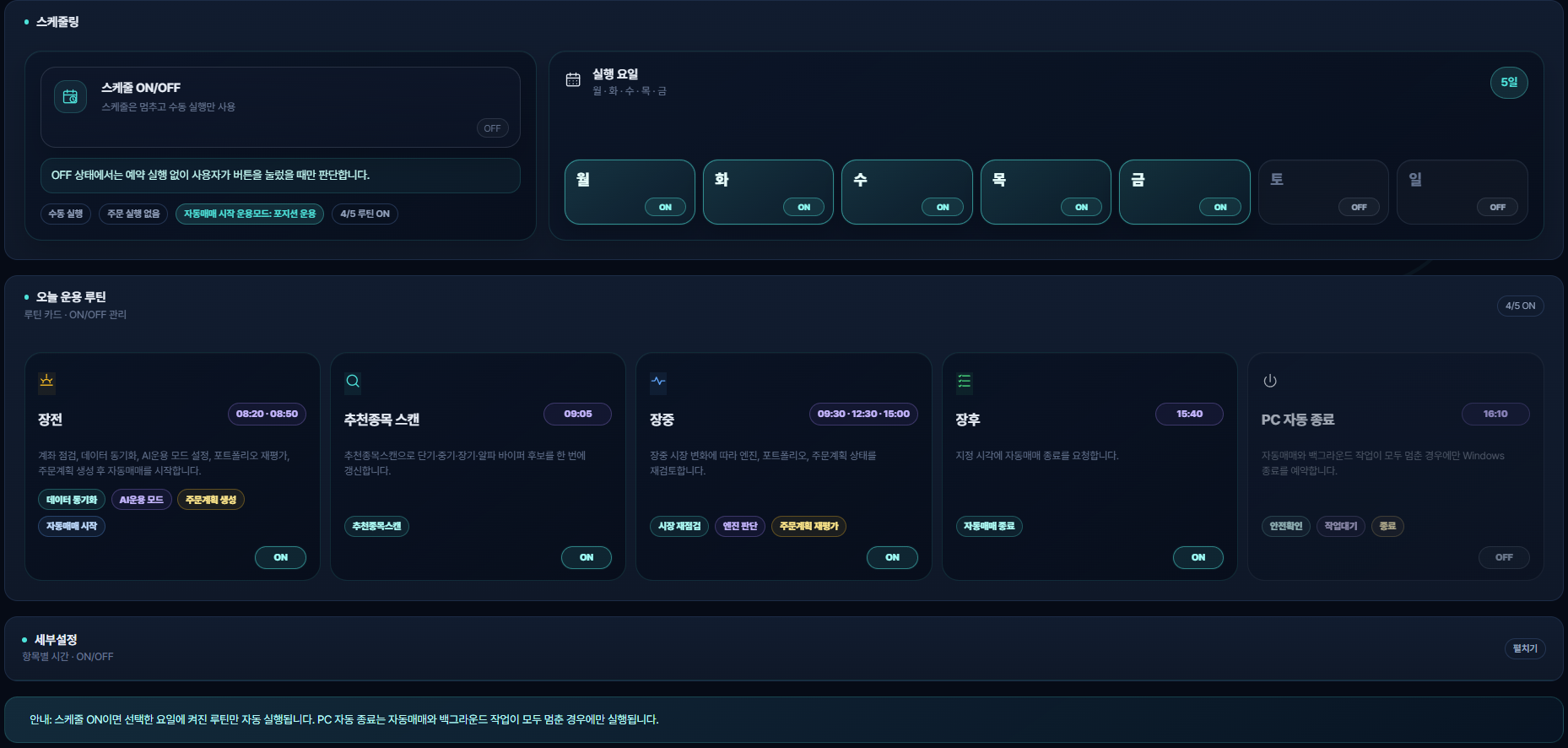
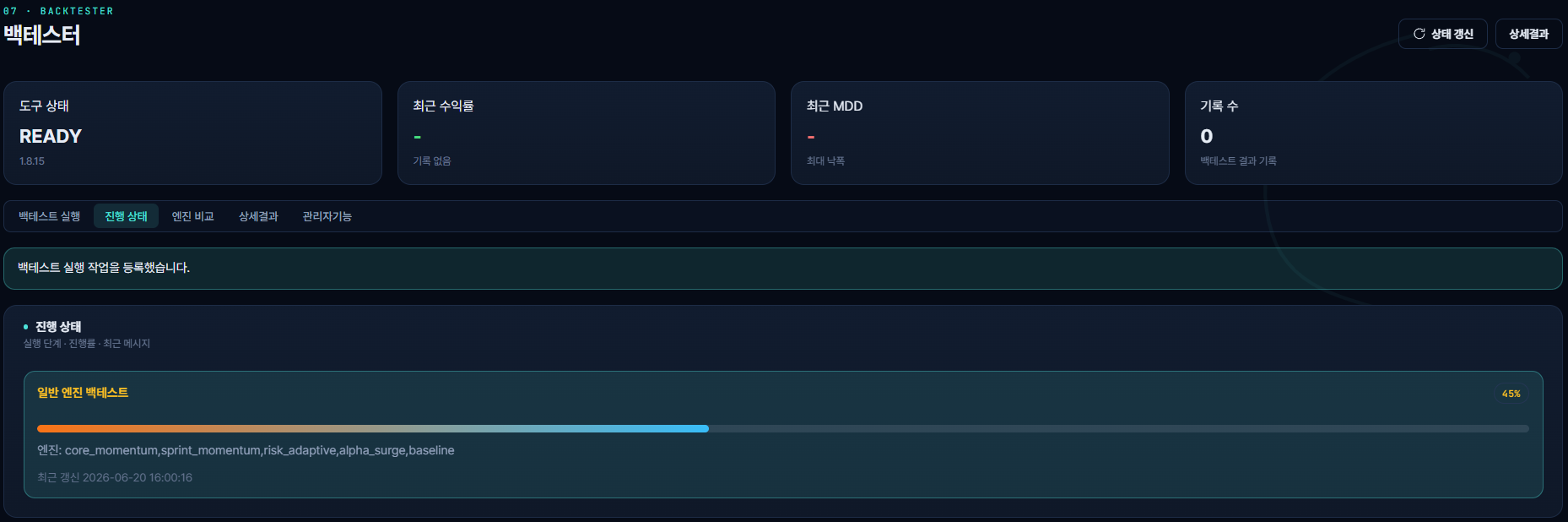
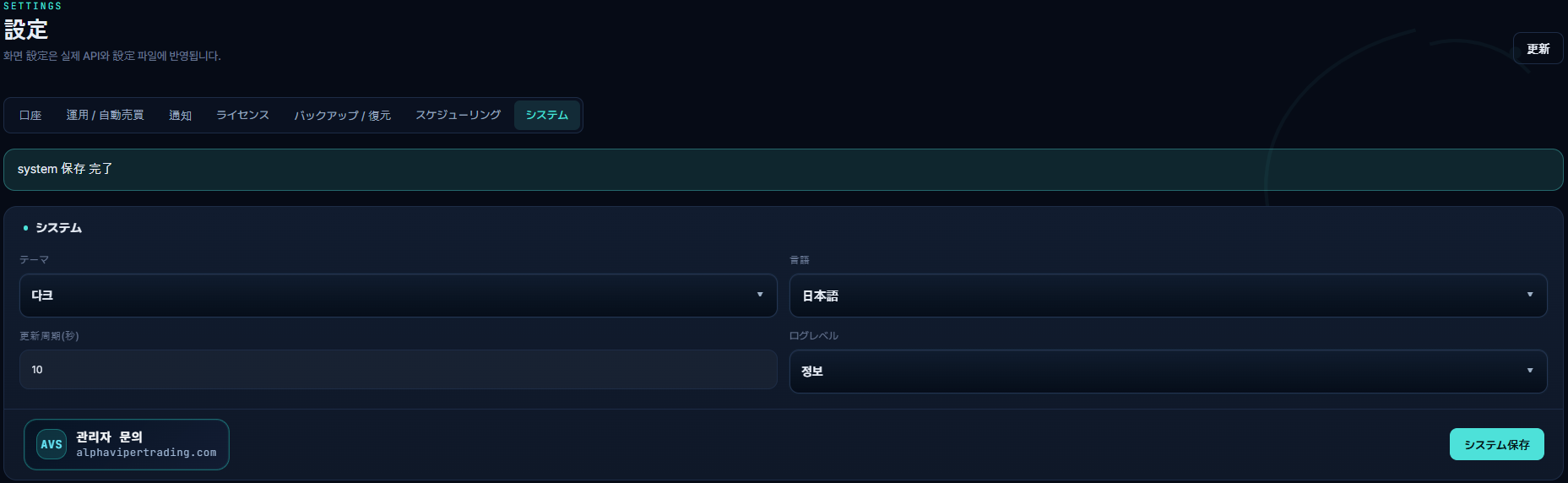
Operational structure confirmed through actual product screen
We have organized the main screens of the current product based on the latest capture
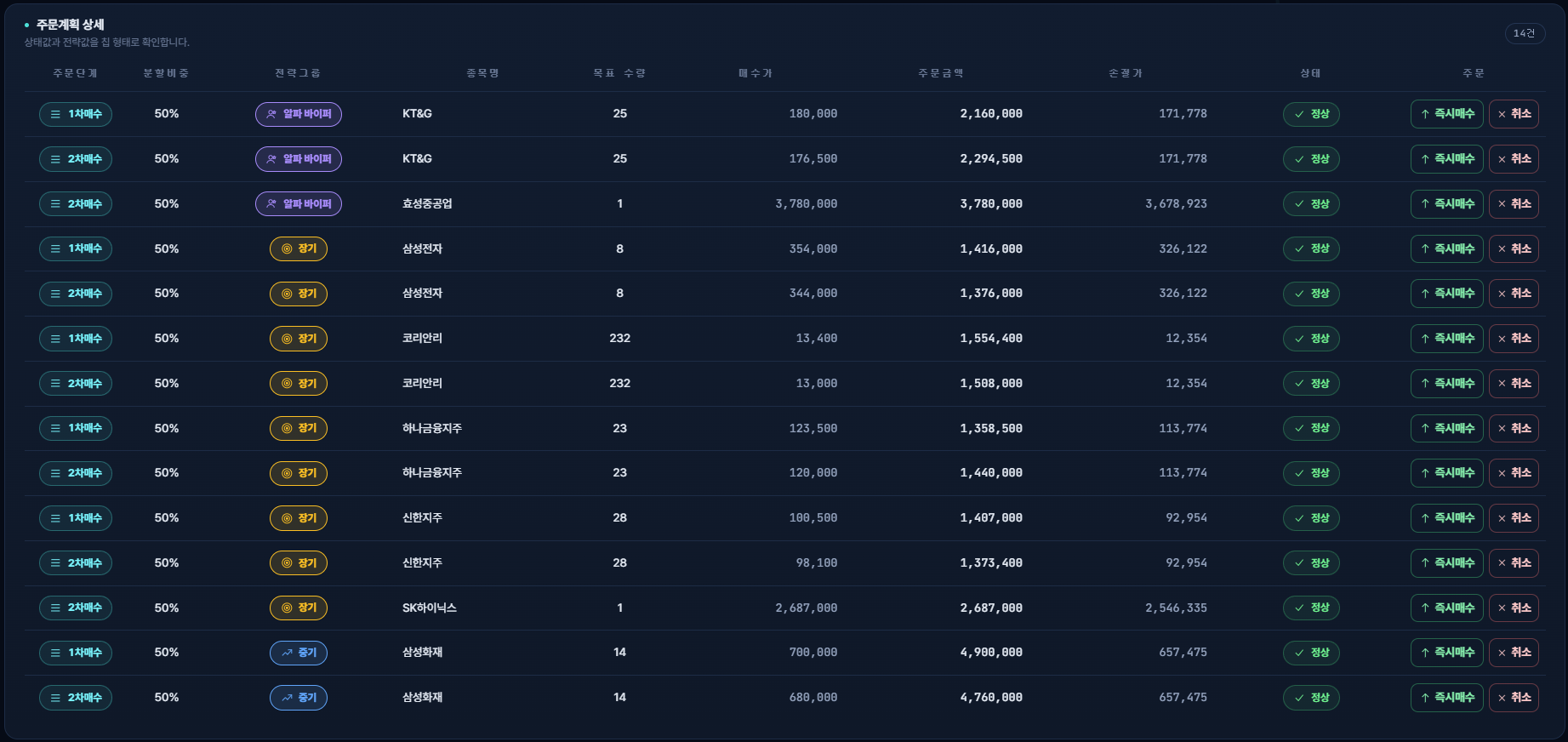
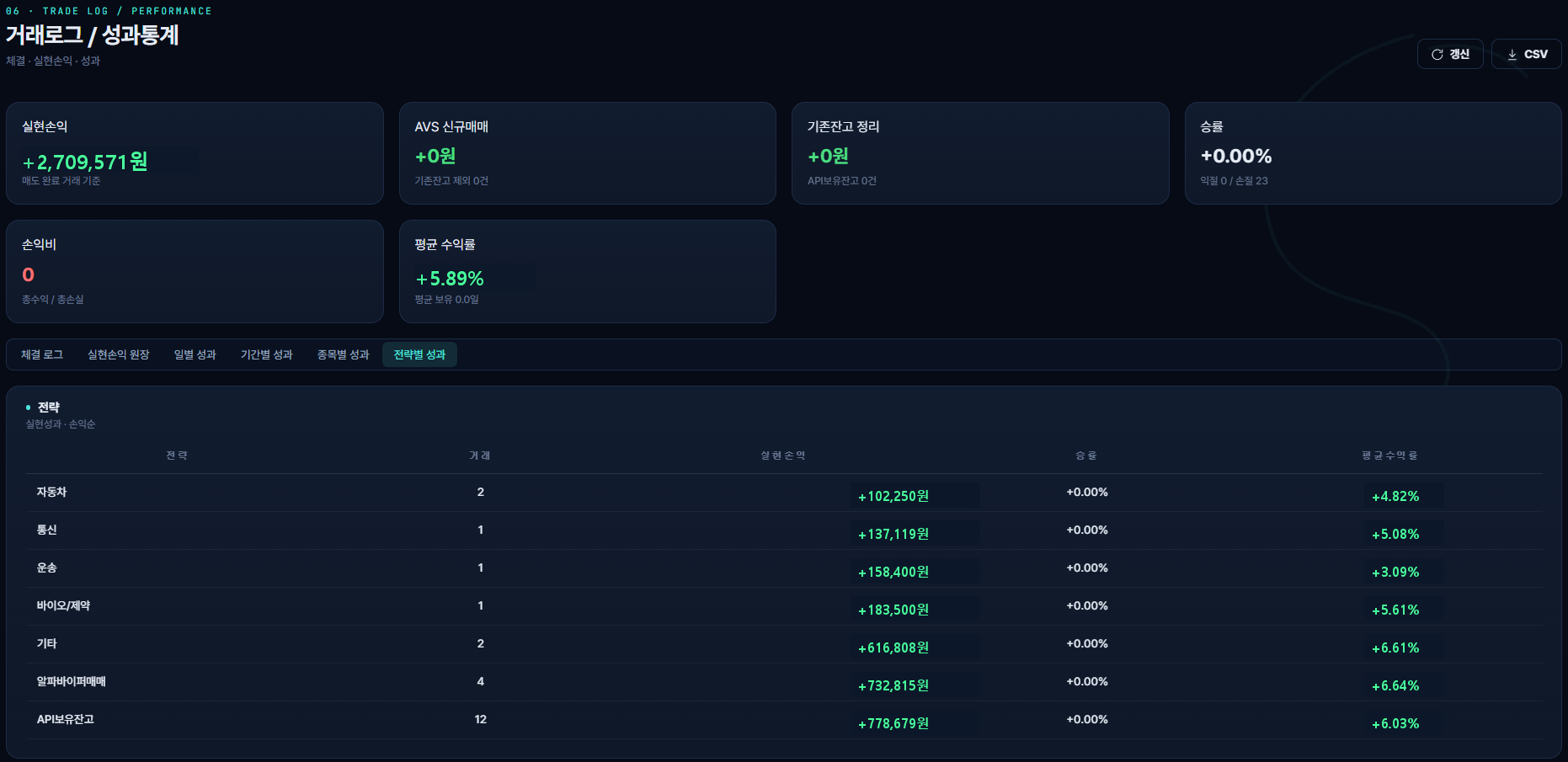
Start with the dashboard for an overview, then open the order plan, monitor or trade log for the task at hand
Review account and portfolio status together on the dashboard Use Engine Management to see which engine is active
Check holdings and allocations in Portfolio, then review quantity, value and stop-loss criteria in Order Plan
Use the trading monitor to check running and pending activity Review fills, failures and outcomes in Trade Log and Performance Statistics