
Courses
One more step in learning tools
This is hands-on training where you can create, repair, and reuse
 COURSE 01
AI for digital work
I formulate specific questions, collate data, and complete documents and forms that I can reuse in my work
Inquire about this course ↗Instructions, comparison table, work manual
Beginners who want to create documents and class materials with AI
- 1st session
Create AI questions and instructions
Notice reflecting conditions
- 2nd session
Data summaries and working documents
Comparison table comparing the original text
- 3rd session
Completion and reuse of my materials
Reusable business manual
Materials and scope of practice
What you need
Laptop, Internet, AI service account, document editor
scope of practice
Use practice materials with personal information removed, and compare results with the original text
 COURSE 02
Python and workflow automation
Learn the grammar necessary for practice, and use it as a tool to use file classification and CSV summary repeatedly
Inquire about this course ↗File classification tool, summary CSV, error log
Practitioners who want to reduce repetitive file and table organizing tasks
- 1st session
First run and required syntax
Record first execution and processing sequence
- 2nd session
File list and classification
File Sorting Tool
- 3rd session
CSV Reading and Summary
CSV Summary Table
- 4th session
Error correction and tool completion
Summary file and error log
Materials and scope of practice
What you need
Notebook, Python, code editor, duplicate folder for practice
scope of practice
We provide starting code and practice with a cloned folder and a virtual CSV instead of the original
 COURSE 03
Web development
By arranging content using HTML and CSS and adding mobile screen and button actions, I complete a web page introducing myself
Inquire about this course ↗Responsive introduction page and inquiry link
Beginners who want to create their own portfolio or service introduction page
- 1st session
Planning and HTML composition
Information structure on the introductory page
- 2nd session
CSS design
Margin, color, arrangement style
- 3rd session
Mobile and simple operation
Responsive screen and button behavior
- 4th session
Page completion and preparation for publication
A bundle of files ready to be released
Materials and scope of practice
What you need
Laptop·Browser·Code editor·AI account·Introductory text and images
scope of practice
It covers a single introduction page and links to email and phone inquiries Login, server, and database are separate processes
 COURSE 04
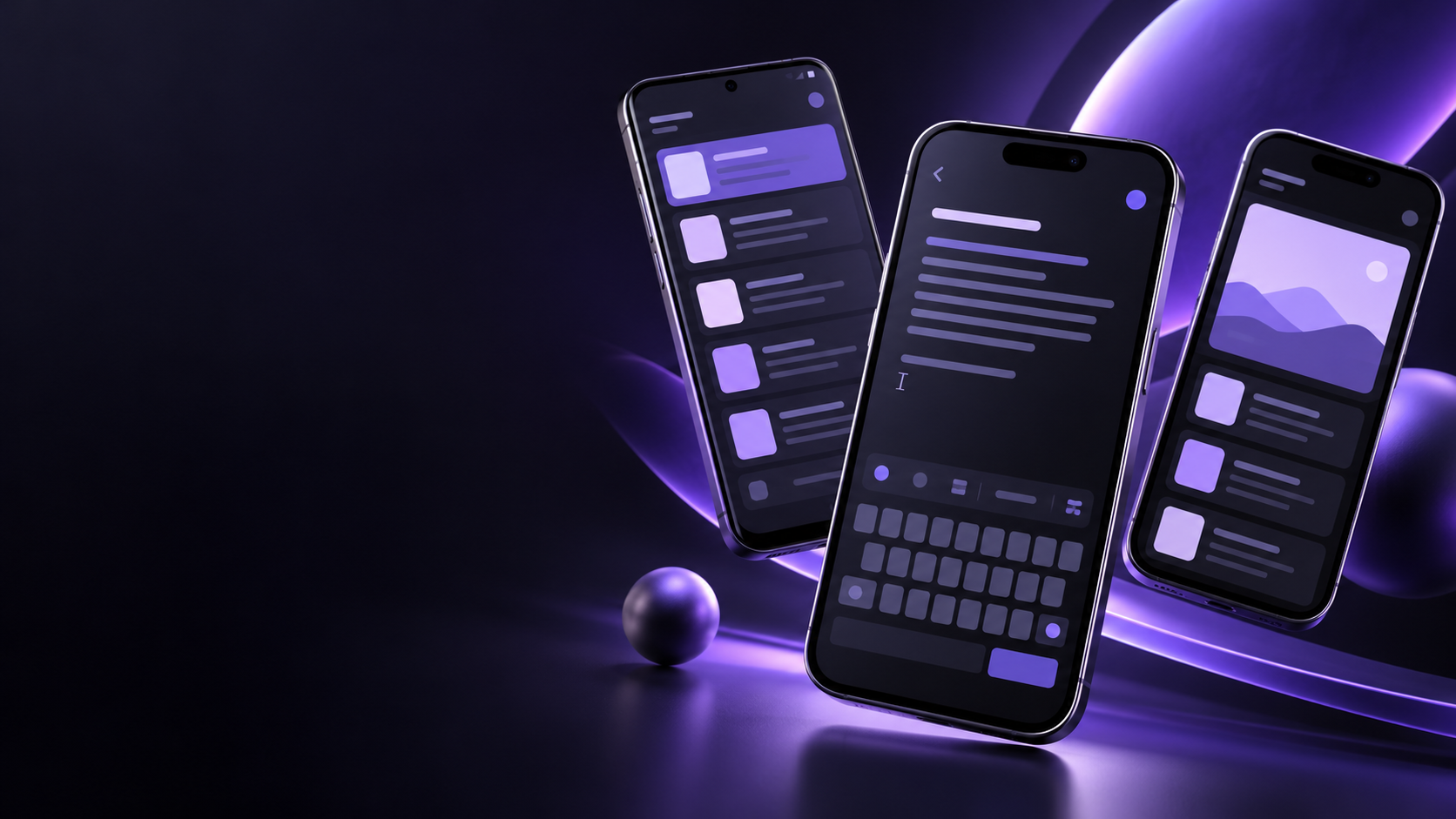
Mobile app development
Create a memo app that implements input and lists with Flutter and connects save, edit, and delete to remember data
Inquire about this course ↗Memo app project/usage guide
Learners who want to create their own mobile app from scratch
- 1st session
App planning and first screen
Screen design and Flutter project
- 2nd session
Input and List
Memo entry/list screen
- 3rd session
Save to device
List restored after relaunch
- 4th session
Details, edits and deletions
Edit/delete/cancel flow
- 5th session
App completion and usage guide
Project and usage flow history
Materials and scope of practice
What you need
Flutter SDK, code editor, Android emulator or practice device
scope of practice
Covers virtual notes and on-device storage Account, server, push, and store registration are subsequent processes, and Mac and Xcode are required for iOS practice
 COURSE 05
Electronics and making
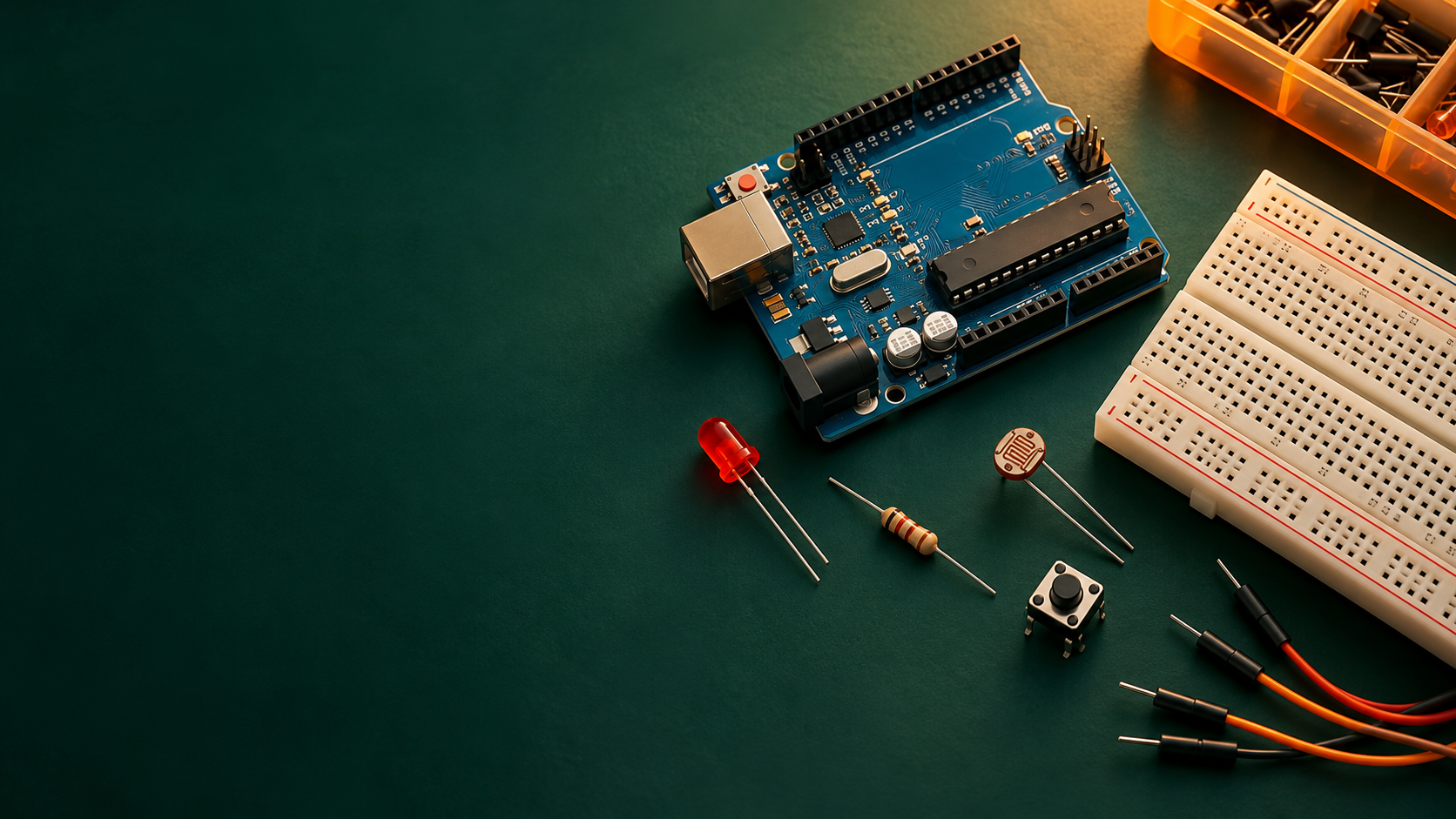
It understands the operation of Arduino and sensors, responds to brightness, and creates automatic lighting that can be controlled with buttons
Inquire about this course ↗Automatic lighting using LED, button, and sensor
Learners interested in maker activities that connect codes and circuits
- 1st session
Circuit and LED first operation
LED circuit and wiring records
- 2nd session
Button and control syntax
Button input control
- 3rd session
Sensor values and automatic lighting
Lighting that responds to sensor values
- 4th session
Assembly with automatic manual mode
Mode switching and usage labels
Materials and scope of practice
What you need
Laptop, Arduino IDE, compatible board, USB cable, LED, button, illuminance sensor, resistor
scope of practice
Practice with USB low voltage circuit Learn the necessary C grammar and board input/output concepts
 COURSE 06
ComfyUI image creation
Understand the connection and creation conditions of nodes and create a reusable workflow by creating, comparing, and partially modifying images
Inquire about this course ↗Topic image/partial revision/workflow
Content creators who want to systematically learn image creation conditions
- 1st session
Nodes and first image
First PNG and Creation Workflow
- 2nd session
Compare prompts and conditions
Composition/setting comparison record
- 3rd session
Original use and partial modification
Image before and after modification
- 4th session
Organize and reuse results
Final image, JSON, settings table bundle
Materials and scope of practice
What you need
ComfyUI environment, selected model, input image, and storage space that completed the creation test
scope of practice
Practice with a model and resolution appropriate for the equipment, and prepare for installation and model download in advance It does not include image generation and model training
 COURSE 07
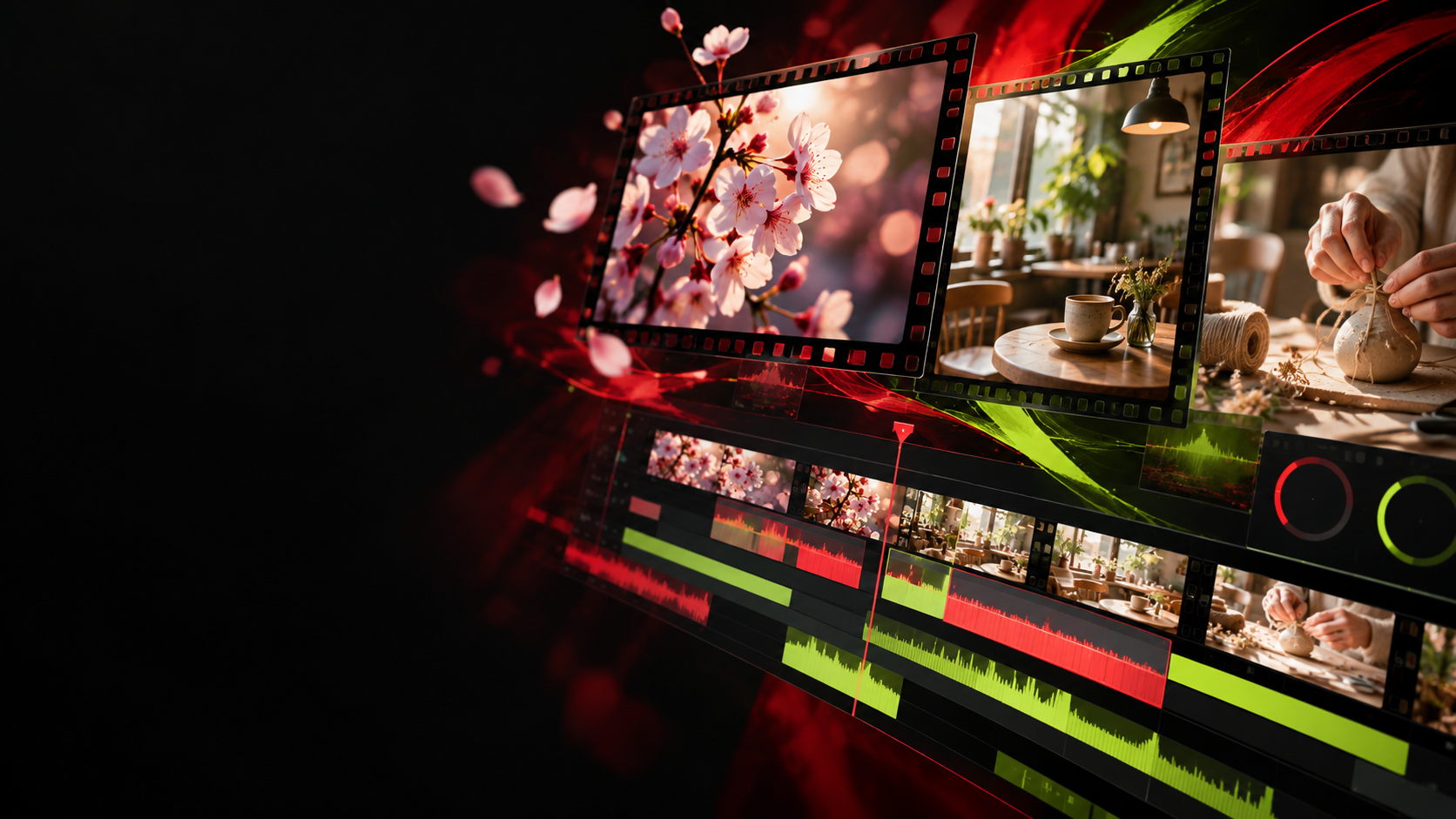
CapCut video editing
Select a scene, match cuts, subtitles, and sound to complete a 30-60 second introduction video that clearly conveys the content
Inquire about this course ↗Storyboard·Editing Project·MP4
Learners who want to edit short introduction videos and channel content themselves
- 1st session
Planning and cut editing
45 seconds composition and cut editing
- 2nd session
Subtitles, sound and movement
An edited version that links subtitles, music, and movement
- 3rd session
Complete and export video
30-60 second MP4 and editing projects
Materials and scope of practice
What you need
CapCut execution equipment, earphones, provided videos, photos, sound sources, and storage space
scope of practice
It is edited from prepared sources and does not include filming We distinguish between PC and mobile classes and check in advance what paid features are required
Understand, practice,
I leave this as my result
Each lesson connects examples, expected results, explanation of principles, application practice, and error resolution
- 01
Identify your goals and circumstances
Determine your level of experience, what equipment you will use, and the results you want to create
- 02
Understand the principle with examples
Look at the expected results and processing structure, and learn the execution sequence
- 03
Direct practice and application
Create by changing conditions, check for errors, and improve results
- 04
Results and record keeping
Organize the workbook, settings, and usage instructions and reuse them for the next task